
Download PicsAid – iPhone to PC Photo Transfer, Quick Image Sync, No iTunes Required
Overview
PicsAid is a targeted utility designed to simplify the process of transferring photos from iPhone and iPod touch devices to a personal computer. The app addresses a common challenge faced by Apple users who need to move image files to a PC without relying on iTunes, which can be cumbersome and resource-intensive. By eliminating the need for Apple’s proprietary software suite, PicsAid offers a streamlined alternative for managing photo libraries directly from a Windows environment. The application is particularly beneficial for users who prioritize speed, simplicity, and direct file access when handling visual content.
Target users include casual iPhone owners, digital photographers, and anyone seeking a no-frills method to back up or organize photos across devices. Its core function—fast, secure photo transfer—makes it relevant in a mobile ecosystem where image creation and storage are central. Although the developer did not provide additional background details, the app’s longevity since its release in 2011 suggests a stable, focused utility that continues to serve a niche but consistent audience. Real-world use cases include quick backups before device upgrades, sharing photos with family members via email or cloud services, and organizing large collections without navigating complex software workflows.
Key Features & Functionality
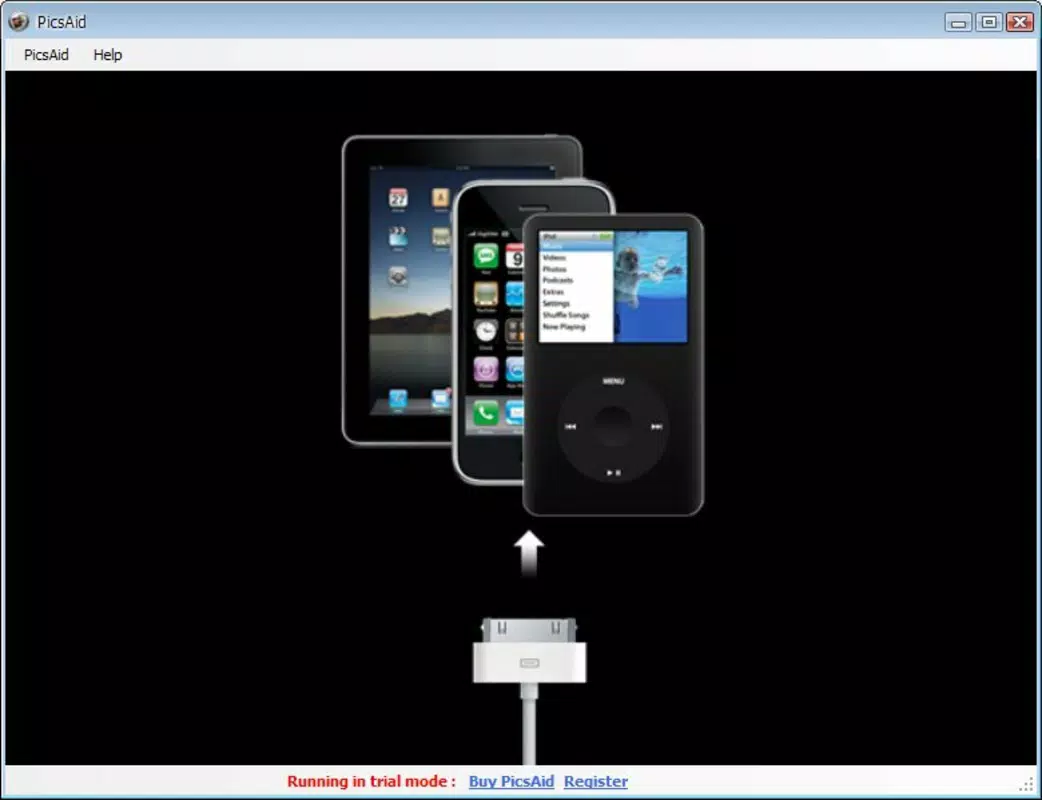
- Instant Recognition: As soon as an iPhone or iPod touch is connected via USB, PicsAid detects the device immediately. This eliminates the need for manual setup or driver installations, enabling users to begin transferring photos within seconds.
- Quick Photo Transfer: The app allows users to select individual photos or entire albums with a single click, facilitating rapid data movement from the device to the PC’s hard drive. This feature is ideal for users managing large volumes of images.
- No iTunes Required: One of the most notable advantages is the complete independence from Apple’s iTunes software. This reduces system overhead and avoids potential conflicts with other Apple applications.
- User-Friendly Interface: The layout is clean and minimal, designed to guide users through the transfer process with intuitive navigation. Even non-technical users can operate the app with little to no learning curve.
- Supports Various Picture Formats: PicsAid handles multiple image formats, ensuring compatibility with standard photo types such as JPEG, PNG, and HEIC, allowing for seamless file handling across platforms.
For example, a user preparing for a vacation can quickly transfer recent travel photos to their laptop for editing, without launching iTunes or dealing with synchronization queues. Similarly, a student managing a portfolio can extract images from their iPod touch directly into a project folder with minimal effort.
Interface, UX & Performance
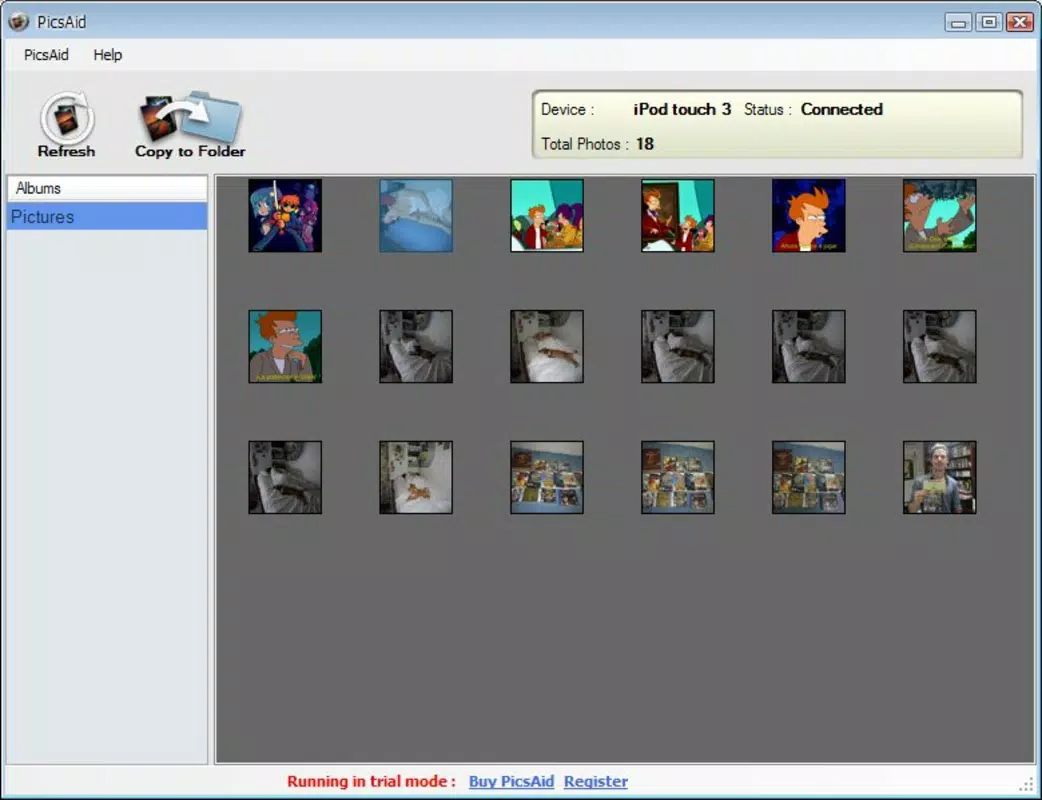
The interface of PicsAid is designed with minimalism and functionality in mind. Users are presented with a straightforward view of their connected device’s photo library, displayed in a grid format for easy browsing. Navigation is intuitive, relying on standard click-and-select interactions that require no specialized knowledge. The visual style remains consistent with early 2010s utility applications—functional rather than flashy—prioritizing clarity and speed over aesthetic enhancements.
Although the developer did not list formal performance metrics, the app’s design suggests it operates efficiently on a range of Windows systems, including older configurations. Responsiveness is likely optimized for the primary task—photo transfer—ensuring smooth operation during file movement. Stability appears to be a strength, given the app’s continued availability and use since its 2011 release. However, compatibility with newer versions of Windows or recent iPhone models has not been confirmed by the developer. Users may encounter limitations when connecting newer devices, though the core functionality remains viable for supported hardware.
Platform Compatibility & Technical Requirements
PicsAid is designed for Windows-based PCs and requires a USB cable to connect iPhone or iPod touch devices. The application supports the operating systems available at the time of its release in 2011, though specific OS versions were not disclosed. The file size of the app is not specified in the provided information, but it is expected to be lightweight given its focused functionality. Compatibility with modern Windows versions (such as Windows 10 or 11) has not been officially confirmed by the developer.
Specific requirements for device compatibility, such as supported iPhone models or iOS versions, were not listed. Users should verify that their device is recognized by the system before attempting a transfer. The developer did not specify minimum hardware requirements, such as RAM or processor speed, so users are advised to test the app on their system to ensure stable operation.
Pros and Cons
Pros
- Fast and direct photo transfer without iTunes
- Simple, intuitive interface suitable for all skill levels
- Supports multiple image formats for broad compatibility
- Minimal system resource usage due to focused functionality
- Efficient for quick backups and file management
Cons
- Compatibility with newer iPhone models and iOS versions is uncertain
- No official support for macOS or Linux platforms
- Developer did not provide updated technical specifications
- Outdated interface may feel unfamiliar to modern users
- Limited to photo transfer—no advanced editing or organization tools
FAQ
Is PicsAid safe to download and use?
PicsAid is designed as a utility tool for transferring photos between iPhone and PC. While the developer did not provide security certifications, the app functions through standard USB connections and does not require administrative privileges for basic operation. Users should ensure they download the app from a trusted source to avoid potential risks.
Can I use PicsAid on a Mac?
The developer did not specify support for macOS. The application is intended for Windows-based systems, and no version for Apple’s operating system has been released.
Does PicsAid require an internet connection?
No, PicsAid operates offline. The transfer process relies solely on the USB connection between the device and the PC, making it usable in environments without internet access.
How do I update PicsAid?
Updates for PicsAid have not been publicly announced. Users should check the official source for any new releases, though the app’s long-standing presence suggests it may not receive frequent updates.
Can I transfer videos or other media with PicsAid?
Based on the available information, PicsAid is focused exclusively on photo transfer. It does not support video, audio, or other file types beyond images.
Final Thoughts
PicsAid remains a reliable tool for iPhone and iPod touch users who need a fast, iTunes-free method to transfer photos to a PC. Its simplicity, lack of software dependencies, and straightforward workflow make it a practical choice for users seeking efficiency over complexity. While the interface and technical support may feel dated, the app continues to fulfill its core purpose effectively. It is especially valuable for those managing older devices or avoiding Apple’s ecosystem software.
For anyone needing a secure, lightweight, and direct photo transfer solution, PicsAid delivers consistent results. Despite its age, it holds relevance in a world where quick, no-frills utilities still matter.
Download PicsAid now


